As an SEO Writer, I stay up-to-date with the latest SEO practices and industry insights to craft content that is search-optimized, credible, and genuinely valuable, designed to perform at its best on SERPs.
Collaborator

AI Referral Traffic: Definition, Benefits, and How to Measure It
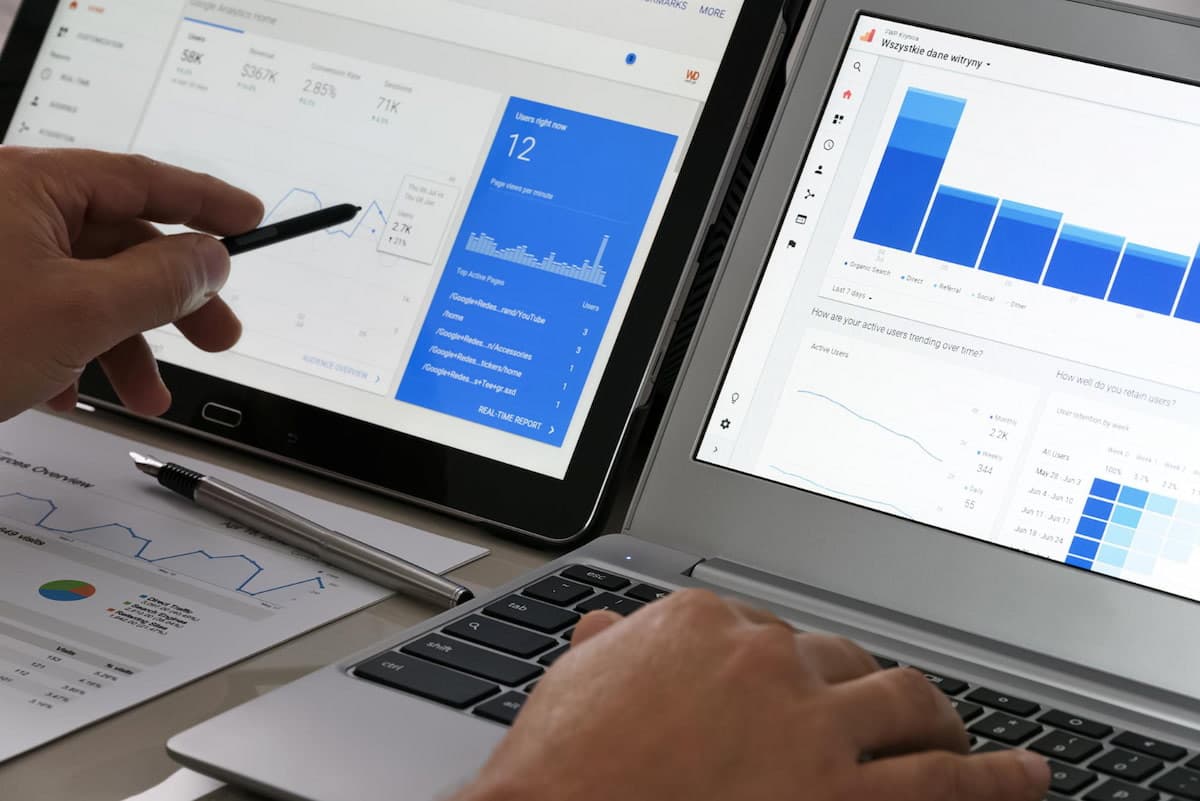
AI referral traffic refers to website visits that come from users clicking a link on an AI platform. For example, if someone asks ChatGPT about SEO service providers and then clicks on one of the websites that appears in its answer, that is what's called AI referral traffic.
So, how does this traffic differ from visits coming from Google or social media? How can you identify it in your analytics? This article will cover what AI referral traffic is, how to track AI referral traffic, its benefits for businesses, and the platforms that generate it. Keep reading to find out!
What Is AI Referral Traffic?
AI referral traffic refers to website visits that come from links in the responses of AI platforms such as ChatGPT, Gemini, Perplexity, or other platforms.
For example, a business owner searches for accounting software for their company through ChatGPT. The AI then recommends several vendors and provides links to each of their websites. When the user clicks a link to one of the recommended websites, the resulting visit is categorized as AI referral traffic.
This traffic is different from AI visibility. AI visibility is a metric that shows how often a brand appears, is mentioned, or is cited in AI responses. AI referral traffic, on the other hand, focuses on visits that actually reach the website after a user clicks a link.
This means a brand can have high visibility but still generate low traffic if users don't click the links. In contrast, a single page can generate quite a lot of traffic when it appears for queries with strong search intent.
For businesses running GEO (Generative Engine Optimization) activations, monitoring AI referral traffic can be one way to evaluate the impact of optimization more comprehensively. Then, is there any free AI traffic monitor you can use?
Alongside metrics such as AI visibility, mentions, and citations, referral traffic data helps show how a brand's presence on AI platforms can go beyond simply appearing in an answer and turn into actual visits to the website.
Why Does AI Referral Traffic Matter for Your Business?
For businesses, AI referral traffic is more than just an add-on to the monthly analytics report. This data can help your team understand the impact of AI visibility on the website. There are several reasons why this metric deserves attention, including:
- Adds an acquisition channel: AI becomes an additional channel beyond organic search, ads, email, and social media.
- Connects visibility to visits: Traffic data helps show whether brand mentions and citations drive users to visit the website.
- Signals search intent: Users who arrive from an AI answer already have some context from the question they asked. Therefore, the landing page needs to be able to address their follow-up needs.
- Expands brand reach: AI can be the starting point when potential customers look for information, compare products, or search for vendors.
- Supports traffic diversification: Monitoring AI traffic can also help businesses reduce their dependence on a single channel.
- Helps evaluate content: Pages that receive AI traffic can be analyzed to identify topics and content that resonate with the audience.
Read also: What Is Answer Engine Optimization (AEO)? A Guide to Optimizing Business
Which AI Platforms Drive the Most Traffic?
The AI platforms that generate the most traffic can differ depending on industry, audience, location, and measurement period.
According to Semrush's 2025 analysis of the top AI platforms contributing the most traffic from user searches, ChatGPT accounts for around 85.79%, followed by Gemini at 4.70%, Perplexity at 2.84%, Grok at 2.50%, Claude at 2.23%, and Copilot at 1.60%.
However, it's worth noting that these figures only reflect the dataset and period analyzed within a specific timeframe and do not cover all AI referral traffic on the internet.
How to Check and Measure AI Referral Traffic
Not every visit from AI is recorded as AI referral traffic. Some may show up as direct, unassigned, or other categories when the source information isn't passed along or isn't recognized by the analytics system.
Here are some ways you can check your AI traffic:
1. Using Google Analytics 4
Google Analytics 4 provides an AI Assistant channel for traffic from a number of AI assistants, including ChatGPT, Gemini, DeepSeek, Copilot, and Grok. Here's how to track AI traffic in GA4:
1. Open Traffic Acquisition
Log in to GA4, then go to: Reports → Acquisition → Traffic acquisition.
2. Find the AI Assistant Channel
Use the Session default channel group dimension, then look for AI Assistant.
3. Analyze Traffic Quality
Check Users, Sessions, Engagement rate, Key events, and Conversions. This way, you can see whether AI traffic only generates visits or also drives actions that are valuable to the business.
4. Use a Custom Channel if Needed
- If you want to group AI sources that aren't yet covered, create a Custom Channel Group via: Admin → Data display → Channel groups
- Use conditions such as matches regex to group specific AI domains. Place the AI channel above Referrals so that traffic doesn't fall into the referral category first.
2. Using Ahrefs Web Analytics
Ahrefs Web Analytics provides an LLM classification to help you see traffic from platforms based on large language models.
1. Set Up Web Analytics
Create a Web Analytics property and install the Ahrefs tracking code on your website.
2. Open Traffic Sources
- Go to: Overview → Traffic Sources → Channels
- Then select View More.
3. Filter by LLM
Use the LLM filter to see traffic coming from AI platforms.
4. Check the Landing Pages
- Open the Pages report to see which pages receive AI traffic.
- Compare that traffic with engagement to find the content that is most relevant to users coming from AI.
3. Using Semrush AI Traffic Dashboard
Semrush provides an AI Traffic Dashboard to analyze AI referral traffic and benchmark against competitors.
1. Open the Dashboard and Enter a Domain
- Open the AI Traffic Dashboard.
- Enter your business's domain and up to four competitor domains.
- Select Analyze.
2. View the AI Sources
Check which AI platforms generate traffic to each domain.
3. Compare with Competitors
- Look at the differences in sources, trends, and traffic distribution.
- Use that data to find gaps that can inform your evaluation of your AI Search strategy.
4. Using HTTP Referrers
The HTTP referrer can help identify the origin domain of a visit.
1. Check the Referrer Data
Look for referrer information from AI platforms through server logs or systems that record website requests.
2. Cross-Check with Other Analysis Results
- Compare the results with GA4.
- Differences in the data may occur because not all AI platforms pass along referrer information in the same way. Therefore, this method is better used as an additional validation.
5. Using UTM Parameters
UTM parameters can help identify the source and campaign of URLs that are under the business's control.
1. Define the UTM Structure
- Use consistent naming for utm_source, utm_medium, and utm_campaign.
- For example: utm_source=partner&utm_medium=referral&utm_campaign=ai-campaign
2. Add UTM Parameters to the URL
- Add the parameters before the link is shared in a campaign, partnership, newsletter, or other distribution activity.
3. Check the Results in GA4
- Open: Reports → Acquisition → Traffic acquisition
- Then look at Session source, Session medium, and Session campaign. Note that UTM parameters cannot be added to organic citations in ChatGPT or other AI platforms, because those links are not controlled by the business.
Monitor and Improve AI Referral Traffic More Strategically with cmlabs!
If your business wants to maximize its AI visibility, including AI citations and brand mentions, AI referral traffic is one of the metrics you need to monitor. However, analytics tools alone are certainly not enough, because you also need to interpret the data correctly to determine your next strategy.
On top of that, each AI platform may have different information sources and retrieval or grounding mechanisms, so your optimization strategy needs to be adapted to the platform you're targeting.
But don't worry, because you can optimize every aspect, all the way to monitoring the results, with cmlabs' AI Search Optimization (GEO/AEO) services.
Through this GEO service, cmlabs helps your business optimize its brand visibility across various AI platforms with a targeted approach. The scope includes technical optimization, entity, schema, content, off-site authority, digital PR, prompt analysis, AI visibility monitoring, citation gap analysis, and much more.
As a first step, you can get a FREE AI Visibility Audit from cmlabs. The audit will give you a free AI traffic monitor, with no contractual commitment, and you'll receive the results within 3–5 business days.
If you'd still like to discuss your current AI visibility and find a service scope that fits your business needs, don't hesitate to contact our team!

Risca Fadillah
Thank you for taking the time to read my article! At cmlabs, we regularly publish new and insightful articles related to SEO almost every week. So, you'll always get the latest information on the topics you're interested in. If you really enjoy the content on cmlabs, you can subscribe to our email newsletter By subscribing, you'll receive updates directly in your inbox. And hey, if you're interested in becoming a writer at cmlabs, don't worry! You can find more information. here So, come join the cmlabs community and stay updated on the latest SEO developments with us!
Subscribe to Our Newsletter
Enter your email to receive news from us