As an SEO Writer, I stay up-to-date with the latest SEO practices and industry insights to craft content that is search-optimized, credible, and genuinely valuable, designed to perform at its best on SERPs.
Collaborator

Headless CMS vs Traditional CMS: Which One Fits Your Business?
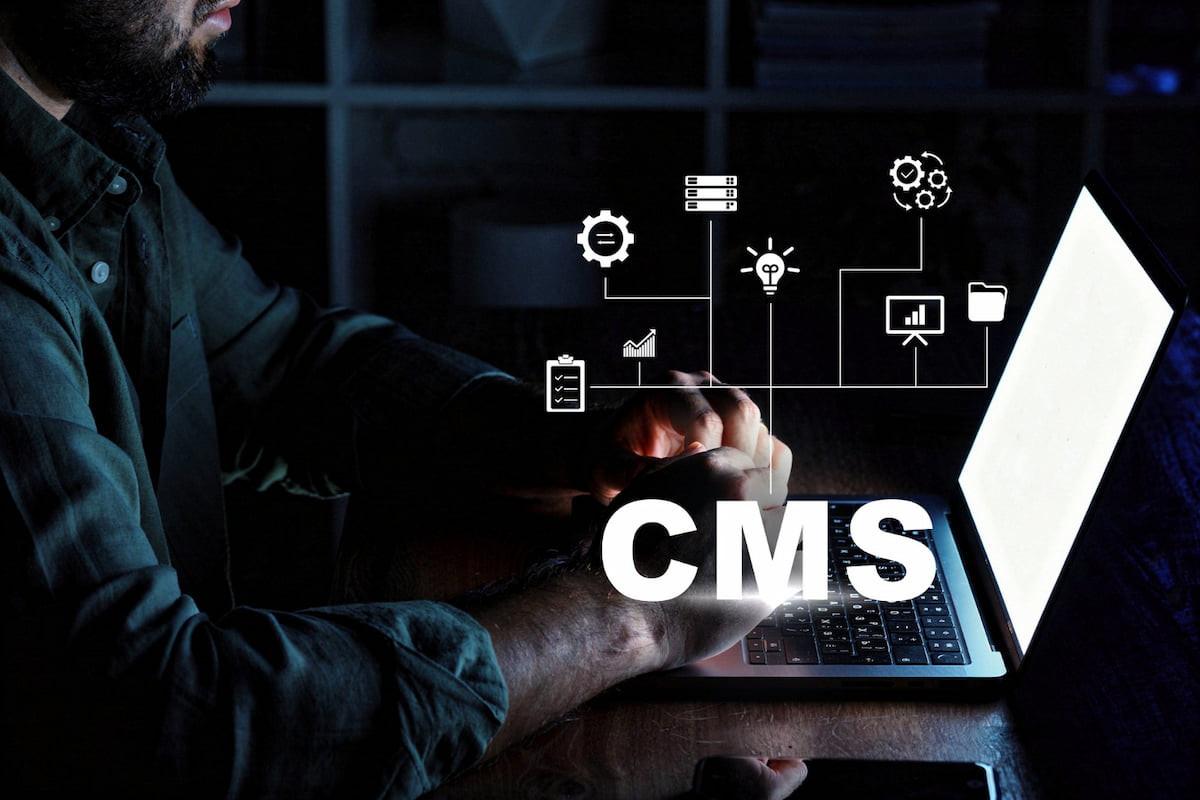
For businesses, a website is more than just a place to display products or services. It helps introduce what the company offers, build trust with visitors, and connect with potential customers.
Keeping website content up to date is just as important. That is why you need a content management system (CMS), a platform that lets your team manage, update, and publish content without having to code from scratch.
From a technical architecture perspective, there are two common types of CMS, that is the traditional CMS, which combines content management and the website’s presentation in a single system, and the headless CMS, which separates the two. To better understand the difference between them, read this article to the end!
What Is a Traditional CMS?
A traditional CMS, often called a monolithic CMS, is a content management system that combines the back-end and front-end in one platform. The back-end is where content is created, stored, and managed, while the front-end is the website display that visitors see. In a traditional CMS, the two are tightly connected and run by the same system.
It’s relatively easy to understand how it works. Start by logging in to the dashboard, then write or edit content in a visual editor (WYSIWYG), to choose a theme or template to define how the page looks, then publish it. Additional features such as forms, SEO settings, or an online store are generally added through plugins. This entire process can be done without coding.
The most commonly used traditional CMS examples are WordPress, Drupal, and Joomla.
Advantages of a Traditional CMS
To this day, many businesses still choose a traditional CMS because its interface is easy to understand. Here are some other advantages you should know:
- Easy for non-technical teams to use, thanks to the visual editor and ready-made templates.
- Fast setup and launch. Built-in themes and features let you launch a website quickly without building the front-end from scratch.
- More affordable upfront cost. The core software is generally free, while hosting, themes, and some plugins are paid.
- A wide plugin ecosystem.
- SEO settings can be managed directly by the content team, with documentation and experts that are easy to find.
What Is a Headless CMS?
A headless CMS is a content management system that separates where content is managed (the back-end) from what visitors see (the front-end). The term “headless” refers to the front-end being the “head” that is detached from the system.
In practice, content is stored as structured data in one place, then delivered to the front-end through an API (Application Programming Interface), which is a connector between systems. This front-end can be a website, a mobile app, a digital display, or another channel, and it is built by developers.
Some commonly used headless CMS examples are Contentful, Storyblok, Strapi, and Sanity. Since the front-end is detached from the system, a headless CMS doesn’t provide a built-in display. As the front-end has to be built separately, this approach requires developer support from the start.
Advantages of a Headless CMS
One of the main advantages of a headless CMS is its flexibility. This type of CMS is well suited to businesses that want to grow across multiple digital channels. Here are its other advantages:
- Omnichannel support. One piece of content can be delivered to a website, a mobile app, and other digital channels without duplication.
- Freedom in building the front-end, since developers can use the framework of their choice, such as React or Next.js, to create a display that fits your needs.
- Structured, reusable content, because the format is neat and consistency is easier to maintain.
- Potentially better website performance, especially with modern frameworks and CDNs that let pages load faster.
- Easier integrations. Because it’s API-based, it can be connected to various tools, such as CRM, analytics, or marketing automation.
- Scalable, because the front-end and back-end can be developed separately.
- Fewer security gaps, since it doesn’t need to rely on many third-party plugins.
Read also: How to Develop Conversational Commerce Platforms for Business
Differences Between Headless CMS vs Traditional CMS
Broadly speaking, the difference between a headless CMS vs traditional CMS lies in how content is managed and displayed. Here is the comparison:
1. Architecture
A traditional CMS combines the back-end and front-end in one system (monolithic), while a headless CMS separates them (decoupled) and connects them through an API.
2. Display Control
In a traditional CMS, the display is tied to built-in themes and templates. In a headless CMS, the front-end is built to your requirements, so the display can be customized much more freely.
3. Ease of Use
A traditional CMS is friendly to non-technical teams because it has a visual editor and live preview. A headless CMS, meanwhile, manages content as structured fields, and the preview feature generally requires additional setup.
4. Content Distribution
The traditional CMS approach focuses on websites, while a headless CMS can deliver one piece of content to a website, a mobile app, and even IoT devices.
5. Setup and Initial Cost
A traditional CMS can be launched faster at a lower initial cost. On the other hand, a headless CMS requires the front-end to be built first, so the initial time and cost are higher.
6. Dependence on Developers
A traditional CMS allows the content team to manage content and pages on their own, for example publishing articles or updating product information. With a headless CMS, the business will depend more on developers, especially for front-end changes such as adding new page types or changing the layout.
7. Integration and Security
A traditional CMS tends to rely on plugins, and plugins that aren’t updated can become a security gap. Not very differently, a headless CMS relies on API-based integrations, which also need to be secured.
To summarize, here are the differences between a traditional CMS and a headless CMS:
Aspect | Traditional CMS | Headless CMS |
| Architecture | Back-end and front-end are combined in one system (monolithic) | Back-end and front-end are separate (decoupled), connected through an API |
| Display control | Tied to built-in themes and templates | Front-end is built to your requirements, more freely customizable |
| Ease of use | Friendly to non-technical teams, with a visual editor and live preview | Content is managed in structured fields, preview generally requires additional setup |
| Content distribution | Focused on websites | Websites, mobile apps, and even IoT devices from a single content source |
| Setup and initial cost | Faster to launch, lower initial cost | Front-end must be built first, higher initial time and cost |
| Dependence on developers | The content team can publish articles or update product information on their own | More dependent on developers, especially for front-end changes such as adding page types or changing layouts |
| Integration and security | Relies on plugins, and outdated plugins can become a security gap | Relies on API-based integrations that also need to be secured |
Read also: WordPress Sitemap: Functions, Types, and How to Create One
Headless CMS or Traditional CMS, Which Is Better for a Business Website?
In the headless CMS vs traditional CMS debate, neither is absolutely superior. The best choice still depends on your business’s needs and scale.
A traditional CMS is generally suitable for small and medium-sized businesses, especially when developer support is still limited, because the content team can manage the website on their own and the website can be launched faster.
Meanwhile, a headless CMS is better suited to companies with more complex needs, for example large companies with a lot of website assets and content structures, or content that needs to be distributed across multiple channels.
Whichever you choose, make sure your business’s CMS can always be accessed smoothly and without issues. To help you build a CMS that fits your business needs, cmlabs offers a CMS Development service, custom-built in both design and system according to your preferences and requirements.
This CMS is designed to manage all of your website data in one place, from pages, posts (news, articles, insights), navigation menus, and media assets, to other custom data.
With this service, your business website will be custom-developed using modern technologies such as Next.js and Node.js, and can be integrated with various tools, such as analytics platforms, CRM, marketing systems, and your internal business systems. This service also includes 1 year of hosting or VPS for website activation and migration needs.
So, what are you waiting for? Contact our team now to consult about services and find the best solution that fit your business goals and needs!

Risca Fadillah
Thank you for taking the time to read my article! At cmlabs, we regularly publish new and insightful articles related to SEO almost every week. So, you'll always get the latest information on the topics you're interested in. If you really enjoy the content on cmlabs, you can subscribe to our email newsletter By subscribing, you'll receive updates directly in your inbox. And hey, if you're interested in becoming a writer at cmlabs, don't worry! You can find more information. here So, come join the cmlabs community and stay updated on the latest SEO developments with us!
Subscribe to Our Newsletter
Enter your email to receive news from us