As an SEO Writer, I stay up-to-date with the latest SEO practices and industry insights to craft content that is search-optimized, credible, and genuinely valuable, designed to perform at its best on SERPs.
Collaborator

What Is a Design Brief? Here Are Its Benefits & How to Create One
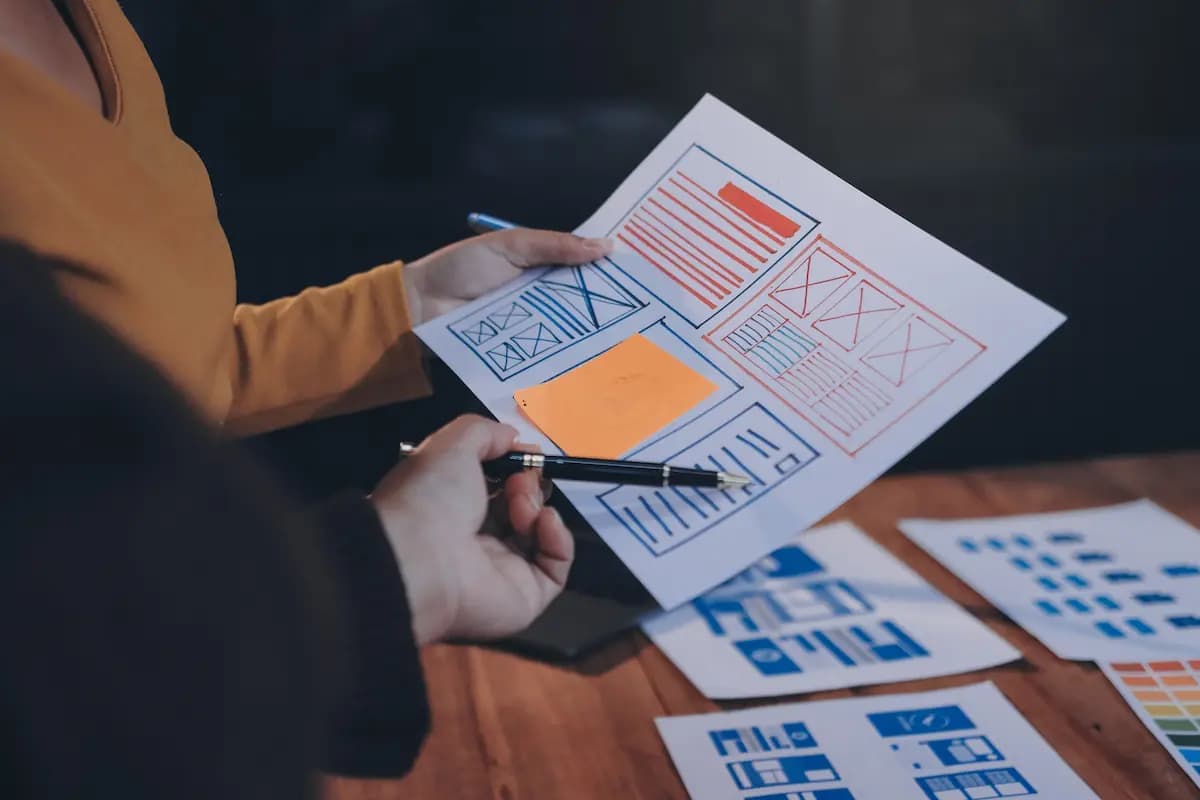
In the creative process, designers and design briefs are inseparable, much like architects and house blueprints. But what exactly is a design brief? In short, a design brief is a document that serves as a guide for a creative project.
In this article, you will learn about design briefs, from their definition to how to create one.
What Is a Design Brief?
A design brief is a document that contains information about a design project and is used between the client and the designer. Typically, a design brief covers aspects such as the project’s goals and the desired visual direction.
The design brief also includes the project’s timeline and budget. With this document, communication between the client and the designer becomes more focused, thereby minimizing misunderstandings during the project.
A design brief can be considered the primary guide that helps designers fully understand the client’s needs. From the brand’s background and target audience to the message intended to be conveyed through the design, everything is summarized in a single, clear, and structured document.
Why Is a Design Brief Important?
A design brief is important for several reasons. First, it serves as a communication channel between the designer and the client or stakeholders involved in the project.
Second, a design brief helps streamline the project’s workflow. Why? Because with this documentation, designers have a structured guide to follow. This helps minimize revisions as the project progresses.
Third, a design brief ensures consistency in the final design. This is crucial to ensure the project aligns with your brand identity and business objectives.
What Should Be Included in a Design Brief?
Now that you know what a design brief is and why it is important, you need to know what to include. While the format of a design brief can be tailored to the project’s specifics, here are the core elements you must include:
1. Project Summary
This section includes a general summary, the project name, and the design type (logo, website, or social media). In this summary, you should also explain the context behind the project, including why the project exists and what problem it aims to solve.
Including information about deliverables (such as file formats or platforms) can also help establish clear expectations from the start.
2. Project Goals and Objectives
In this section, explain what you want to achieve with the project. Understanding the concept of a design brief from the start will help you formulate clearer and more focused goals.
Some examples of design brief goals include increasing brand awareness, reaching a new audience, or boosting sales.
Read also: Brand Awareness Campaign & Some Examples from Reputable Brands
3. Brand or Company Information
In this section, include details on the company profile, brand values, tone of voice, and target audience. Sometimes, the design brief also includes the visual identity of the brand or company in question.
Additionally, you can include information such as competitors and the company’s market positioning.
4. Budget and Project Timeline
The budget and project timeline are also key components of the design brief. Therefore, you need to include the predetermined project budget so that the design process aligns with it.
You also need to specify the project timeline, such as deadlines, key milestones, and the number of design revisions.
These two aspects are typically discussed by both parties (the client and the designer) to manage expectations, prioritize necessary tasks, and ensure the project runs effectively and on schedule.
5. Design Guidelines
Typically, a design brief also includes design guidelines that help align client expectations and reduce ambiguity. These guidelines include mood boards, color preferences, typography, and examples of the design the client desires.
Read also: The Role of Brand Advocacy Marketing & Tips to Build It
Example of a Design Brief
In short, here is an example of a design brief you can use as a starting point:
- Project Name: Logo design for a fashion brand.
- Goals: To increase brand awareness among a young audience.
- Target audience: Ages 18–25.
- Design style: Minimalist and modern.
- Primary colors: Black and white.
- Budget: IDR 2,500,000-6,000,000.
This brief can be inserted into documents such as Google Docs, PDFs, or Notion for easy access or sharing.
Sometimes, the brief is also integrated into project management tools like Trello, Asana, or ClickUp so the entire team can track progress.
How to Create a Design Brief
So, how do you create a design brief for your project? Here is a complete guide:
1. Define the Project’s Goal
Start by defining the main goal of the design project. What do you want to achieve? Is it to increase sales or launch a new campaign? A clear goal will help the designer understand the desired direction.
Read also: Example of Customer Loyalty Programs to Attract Repeat Orders
2. Gather Key Information About the Brand & Project
Prepare information about your brand, including company values, target audience, tone of voice, and existing visual identity. This information will serve as the foundation for the designer to develop concepts.
3. Outline Requirements and Deliverables
Specify the final deliverables you need. Examples include logos, banners, posters, or social media designs. Also include technical details such as dimensions, file formats, and the platforms to be used.
4. Set the Budget and Project Timeline
Outline the available budget and project deadlines. You can also include milestones or revision stages to ensure a more structured workflow. If possible, add a few days or one week as a buffer.
5. Provide Design Guidelines
Include visual references, mood boards, or examples of designs you like (and dislike) to help designers understand your aesthetic preferences and minimize major revisions.
6. Write a Clear and Concise Brief
Ensure all information is presented clearly, in a structured manner, and is easy to understand. Avoid ambiguous explanations to prevent miscommunication.
By following these steps, you can create an effective design brief and facilitate collaboration among all parties involved.
Create a Design Brief with Visual Creative Services from cmlabs
If interested, cmlabs offers Visual Creative Services to help you create a design brief. Our professional team will assist you according to your needs to ensure the creative process runs more effectively.
Contact our team to learn more about this service, including its scope, pricing, and other details.
Read also: Design Pattern: Elements & Types for Software Developments

Risca Fadillah
Thank you for taking the time to read my article! At cmlabs, we regularly publish new and insightful articles related to SEO almost every week. So, you'll always get the latest information on the topics you're interested in. If you really enjoy the content on cmlabs, you can subscribe to our email newsletter By subscribing, you'll receive updates directly in your inbox. And hey, if you're interested in becoming a writer at cmlabs, don't worry! You can find more information. here So, come join the cmlabs community and stay updated on the latest SEO developments with us!
Subscribe to Our Newsletter
Enter your email to receive news from us